
-

An ultra-cinematic 4K experience
From playoffs to premieres, experience it all like you’re there with support for cinematic 4K Ultra HD. Experience vivid color and brightness with support for Dolby Vision and HDR10+, immersive sound with Dolby Atmos, and smooth streaming with Wi-Fi 6. Add compatible Echo speakers for a complete Alexa Home Theater.

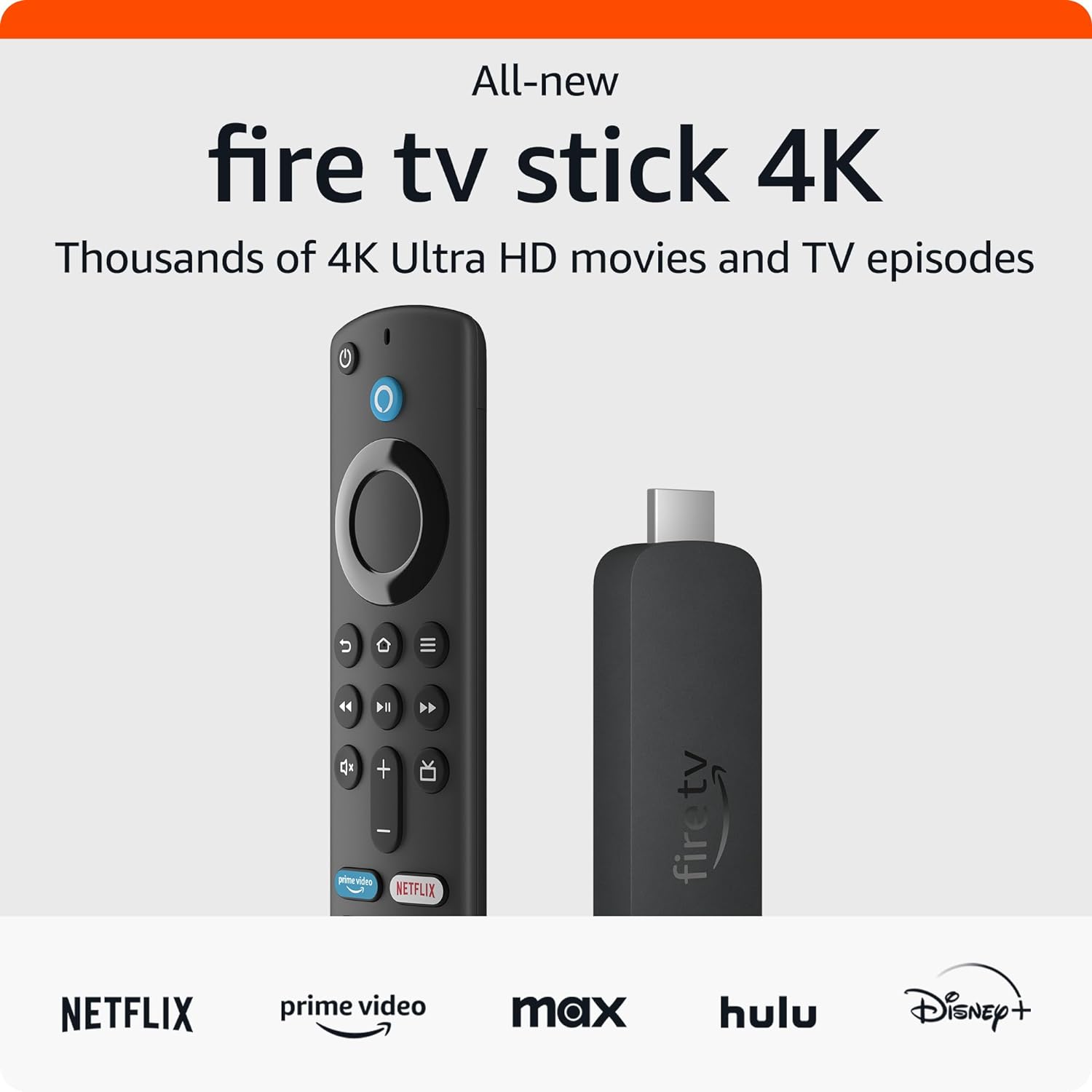
The next generation of our most popular 4K streaming stick
Upgrade your 4K streaming experience with Fire TV Stick 4K—now powered by a quad-core 1.7 GHz processor for faster app starts, and more fluid navigation. It makes getting to the good stuff even easier—all for an affordable price.


Wi-Fi 6 support

Smart Home

Dolby Vision.Atmos

HDR10+

Press and Ask Alexa
Enjoy smooth 4K
streaming in your homeOur most popular streaming stick now supports Wi-Fi 6 for smooth 4K streaming, with less interference from other connected devices. To use Wi-Fi 6, you’ll need a compatible router like the eero Pro 6. If you have a Wi-Fi 6E router, we recommend Fire TV Stick 4K Max. Fire TV Stick 4K works with earlier wifi routers, too.

Wi-Fi 6 support
Reduces network congestion for smoother video streaming across multiple devices.
Fast speeds
Enjoy fast speeds and low latency when streaming 4K content or playing games in the cloud.
Dual-band
Supports 2.4 GHz and 5 GHz bands,
so you can connect to the
least-crowded frequency.Over 1.5 million movies
and TV episodesEnjoy favorites from Netflix, Prime Video, Disney+, Max, Apple TV+, Peacock, STARZ, Paramount+, and others. Stream live TV, news, and sports, and even watch for free with Pluto TV, Amazon Freevee, YouTube, and more. Plus, play millions of songs through services like Amazon Music, and Spotify.
Subscription fees may apply.

Stream free movies,
shows, and clipsPower on and start watching a world of free entertainment through ad-supported streaming apps like YouTube, Amazon Freevee, Tubi, and Pluto TV. You can access over 300,000 movies and TV episodes without paying for subscriptions. And, the new Fire TV Channels hub brings you free news clips, sports highlights, music videos, movie trailers, cooking tips, comedy bits, gaming videos, and more.


From smart home control
to smart livingControl compatible smart home devices right from your TV. You can press and ask Alexa to do things like show Live View Picture-in-Picture camera feeds without interrupting your show, check the weather, order a pizza, and stream music. And Fire TV is always getting smarter with new Alexa Skills and voice functionality. Learn more about compatible smart home devices.
“Alexa, show my nursery camera.”

Light

Lock

Smart Camera

Sound Bar

Smart Plug

Thermostat
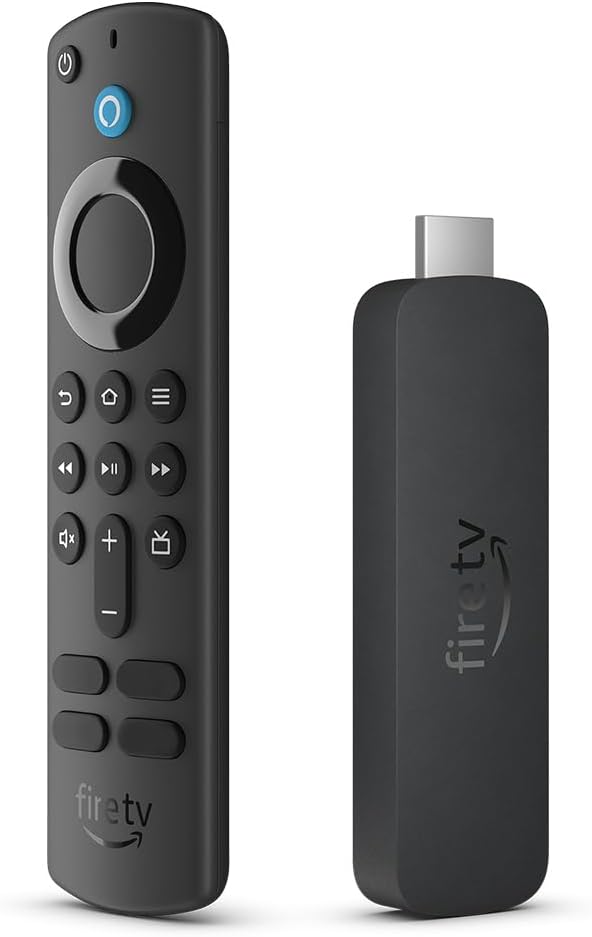
Alexa Voice Remote with TV controls
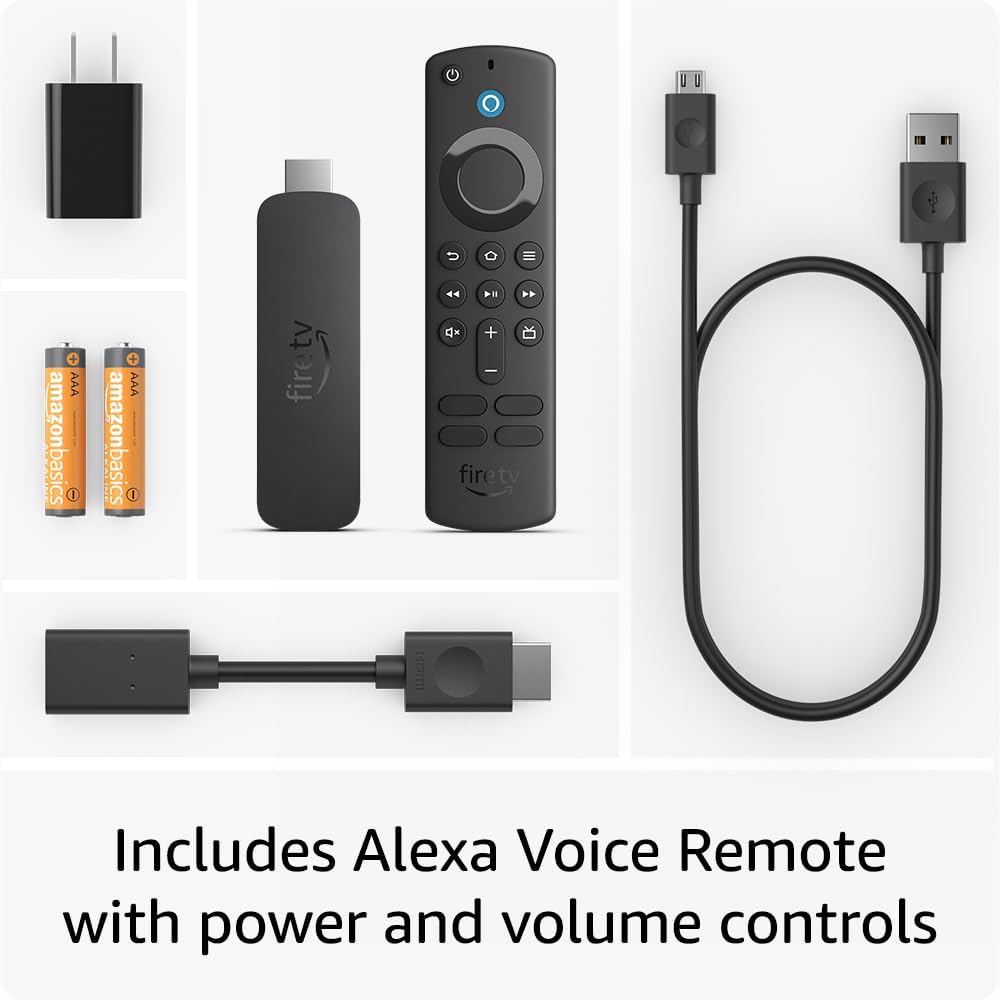
Just press and ask Alexa to find, launch, and control content, or even switch to cable. Quickly get to favorite apps with preset buttons, and go beyond streaming to check sports scores and play music. Dedicated power and volume buttons control your compatible TV, soundbar, and receiver.

Simple to set up and use

Step 1
Plug Fire TV Stick 4K directly into your HDMI input.

Step 2
Attach power cable, and plug
into wall outlet.
Step 3
Pair remote with TV, connect to
internet, and enjoy.Designed for Sustainability
We measure this device’s carbon footprint and look for opportunities to reduce its emissions at every stage of its life cycle. Figures are for FTV Stick 4K 2nd gen, not including any other versions or any bundled accessories or devices. We update the carbon footprint when we discover new information that changes the estimated carbon footprint of a device by more than 5%.
-20%
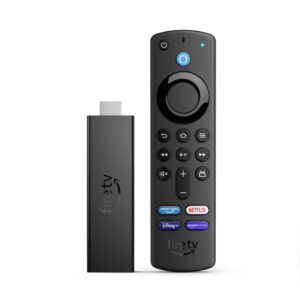
Amazon Fire TV Stick 4K streaming device
KSh 8,000.00 Save:KSh 2,000.00(20%)
Available in stock
Description
Reviews (0)
Only logged in customers who have purchased this product may leave a review.



Reviews
There are no reviews yet.